MP3 to Text Converter
Convert MP3 audio files to accurate text transcripts instantly
Supports MP3, WAV, M4A, MP4, and more
mp3, mp4, wav, m4a
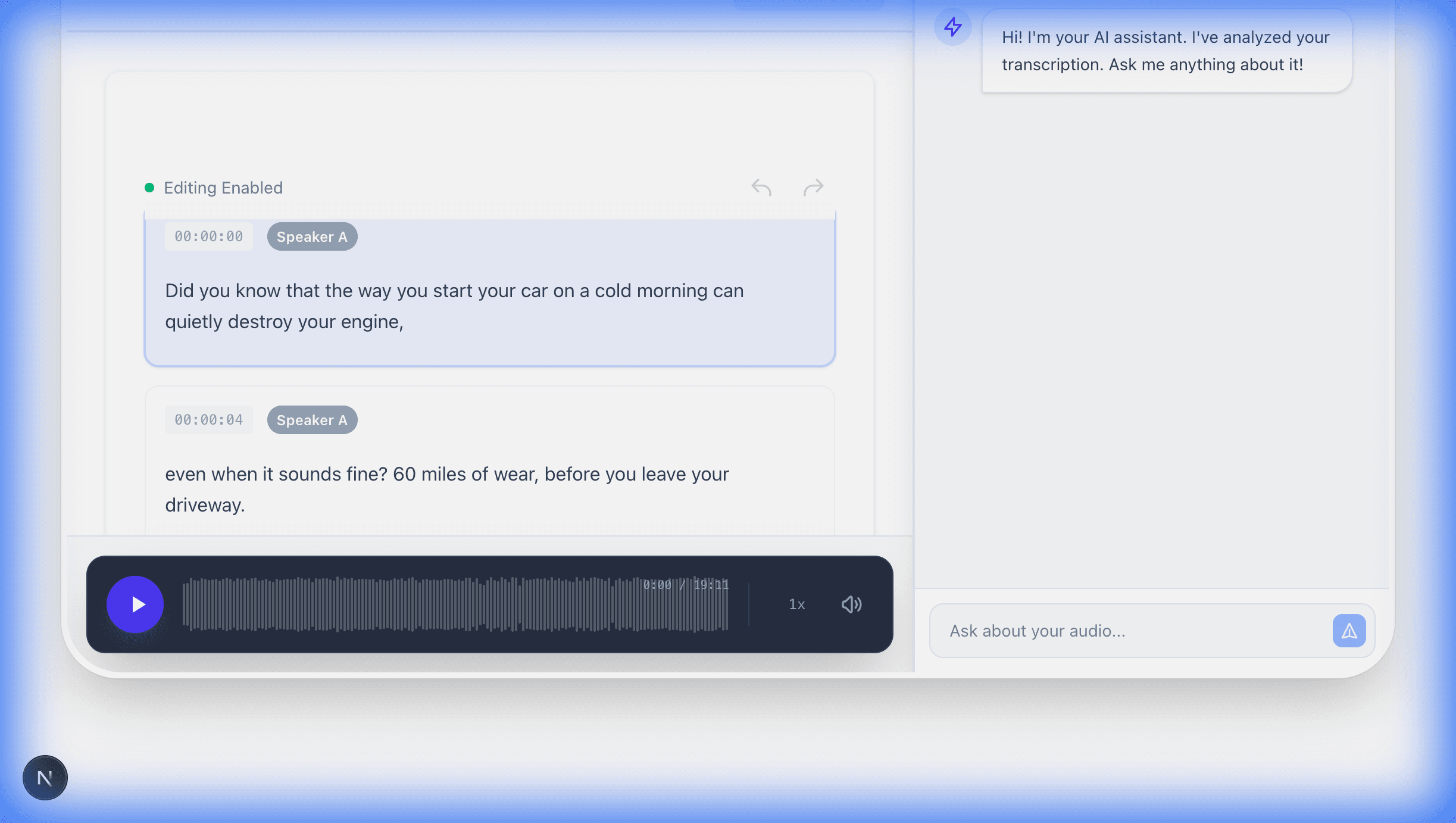
Click the microphone to dictate live, or upload voice memos, WhatsApp notes, or MP3 files.
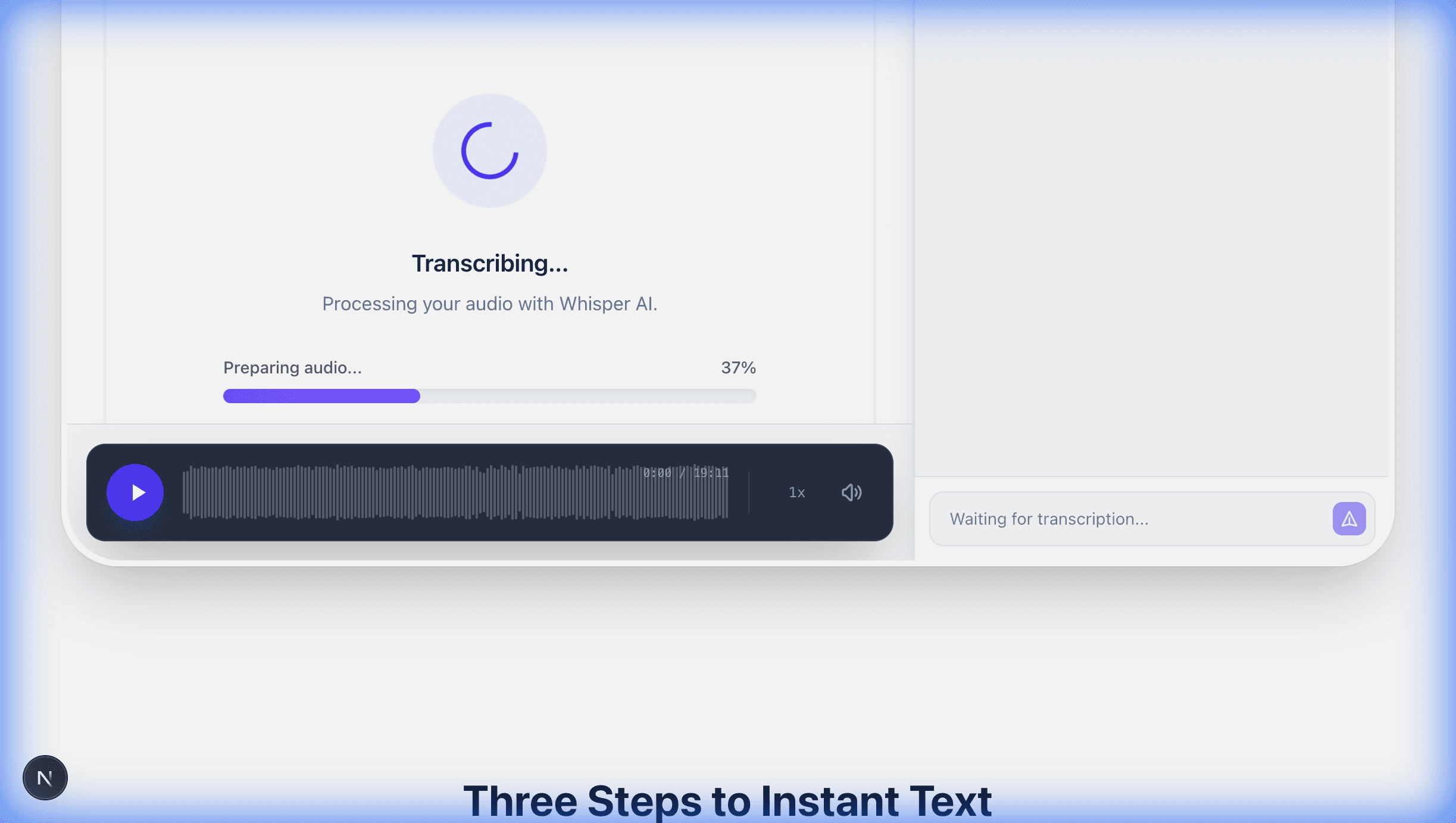
Whisper v3 analyzes speech patterns, detects language, and adds smart punctuation in real-time.
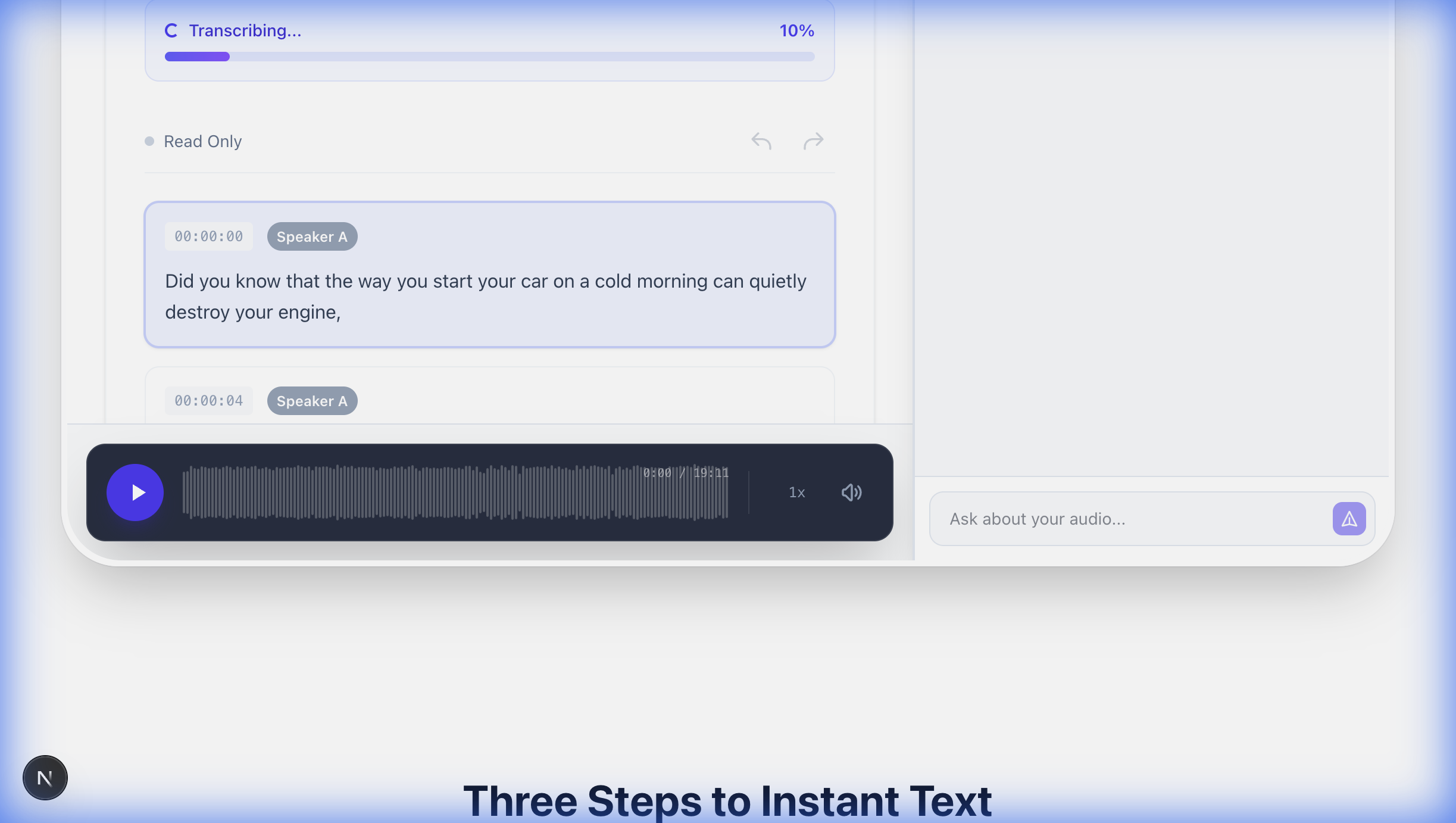
Get your transcript instantly. Copy to clipboard, export as TXT, or save for later.
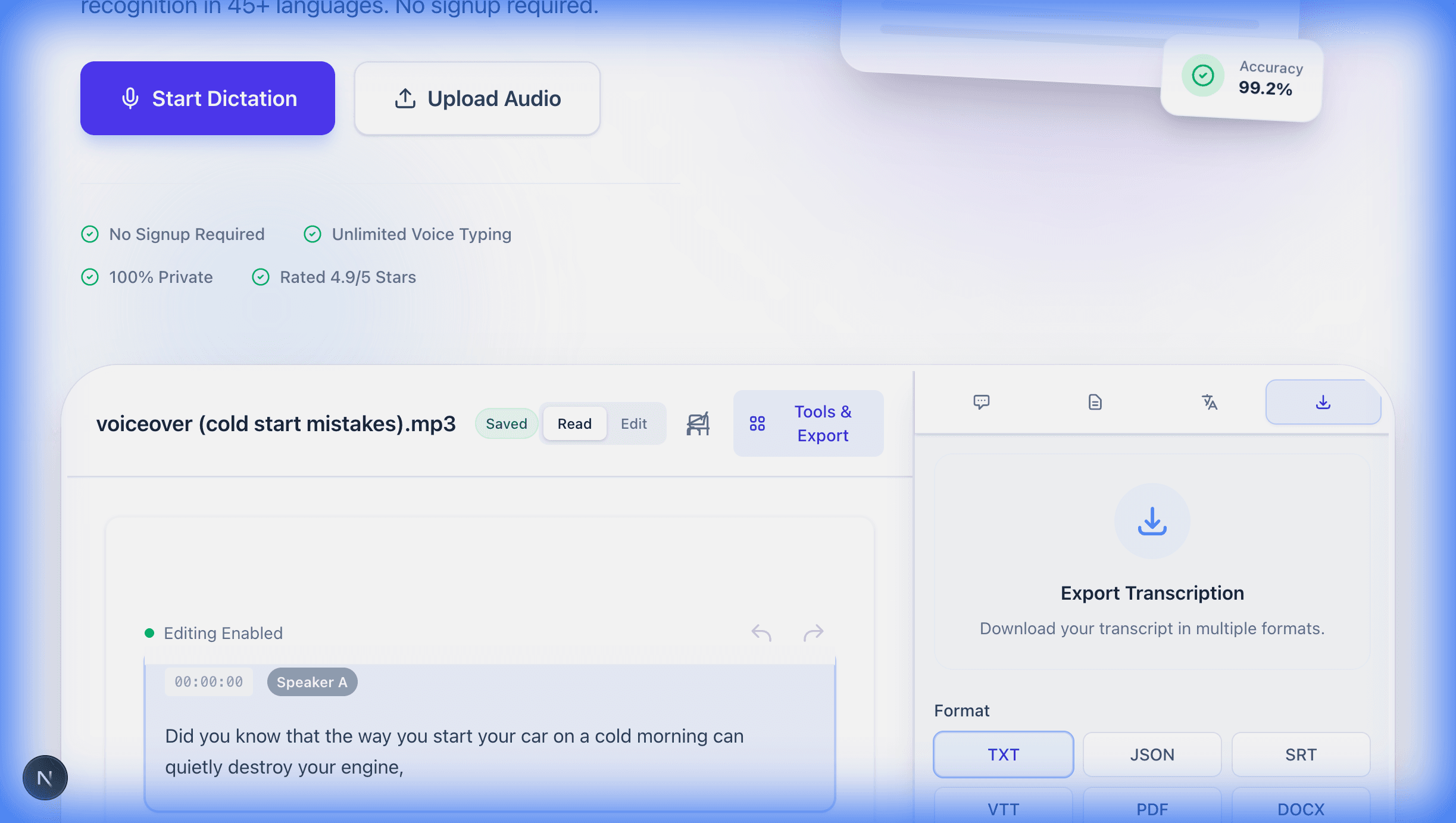
Draft articles three times faster. Speaking at 150 words per minute beats typing at 40. Many authors dictate first drafts entirely, then edit the transcript. The workflow removes the mental friction between thinking and writing.
Record lectures and convert them into searchable study notes. Instead of scrambling to write everything down, focus on understanding the material during class and review the full transcript later.
Transcribe interviews recorded on phones. A 30-minute interview produces a complete, searchable transcript in under two minutes. No more rewinding and pausing through audio to find a single quote.
Enhance accessibility for hearing-impaired users or those with motor disabilities. Voice typing serves as a primary text input method, making digital communication fluid and accessible for everyone.
Speech to text technology uses automatic speech recognition to convert spoken words into written text in real time. Modern speech recognition systems like OpenAI Whisper analyze audio waveforms, break them into phonemes, and match those sounds to words using neural networks trained on hundreds of thousands of hours of multilingual audio.
Our speech to text converter runs on Whisper v3 Turbo, a transformer-based model trained on 680,000 hours of audio data. It processes your voice input with zero latency (under 200ms), identifying speech patterns and accents instantly. Words appear as you speak.
Unlike older dictation software that required voice training and worked offline with limited accuracy, modern speech recognition handles cold starts. Speak into your microphone or upload a voice recording, and the system adapts to your accent, pacing, and vocabulary from the first word.
The technology behind speech to text has advanced rapidly. Word Error Rates dropped from 20-30% a decade ago to under 5% with current models. That means fewer corrections and more time saved when you dictate instead of type.
Free online dictation with Whisper v3 achieves 95 to 99% accuracy depending on audio clarity, comparable to professional human transcribers. This means roughly one minor error per 100 words in clean recordings, a level that makes dictation practical for real work.
Accuracy depends on three factors: microphone quality, background noise, and how clearly you speak. A USB microphone in a quiet room produces near-perfect transcripts. A phone recording in a busy cafe will have more errors. Both are usable.
Our speech recognition engine handles natural speech, not just careful dictation. It understands filler words, self-corrections, and conversational rhythm. You don't need to speak like a robot for the tool to work.
For comparison, manual typing averages 40 words per minute with a 1-2% error rate. Voice typing reaches 150 words per minute. Even at 95% accuracy, dictation produces more usable text per hour than keyboard input.
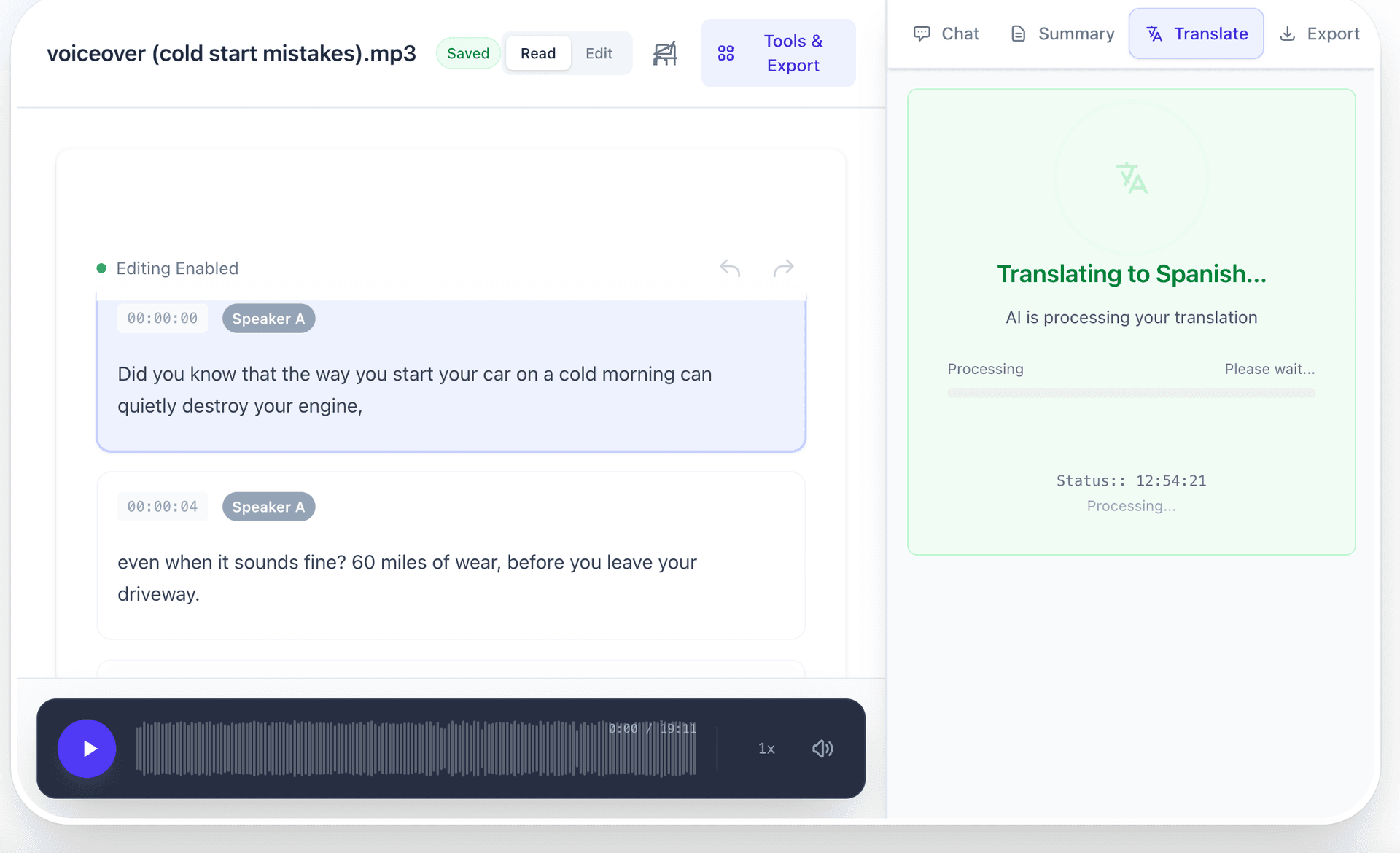
Instant Multi-Language Translation
Our voice to text converter supports 45+ languages including English, Spanish, French, German, Portuguese, Italian, Dutch, Russian, Arabic, Hindi, Mandarin, Japanese, Korean, and Indonesian. Language detection is automatic. Start speaking and the system identifies your language within seconds.
Multilingual speech recognition works because Whisper was trained on audio from dozens of language families. Tonal languages like Mandarin, right-to-left scripts like Arabic, and agglutinative languages like Turkish all process correctly without manual language selection.
Accent adaptation is built into the model. British English, American English, Indian English, Australian English, and other regional variants all transcribe accurately. The same holds for Latin American Spanish versus European Spanish, or Brazilian versus European Portuguese.
If you switch languages mid-sentence, the engine detects the transition and adjusts. This works well for bilingual speakers who naturally mix languages in conversation.
Go beyond transcription. Chat with your recordings, generate summaries, and translate to any language.
Yes. Upload WhatsApp voice messages directly and get readable text in seconds. WhatsApp saves voice notes as OGG files using the OPUS codec. Our speech to text converter handles this format natively without requiring you to convert to MP3 first.
Over two billion people use WhatsApp globally. Voice messages are faster to send than typing, but harder to search, reference, or read in meetings and quiet spaces. Converting them to text solves all three problems.
Apple Voice Memos save as M4A files. Android voice recorders typically use OGG or AAC. We process all of these formats. Upload the recording from your phone and receive a complete transcript.
This feature is especially useful for professionals who receive long voice notes. Instead of listening to a five-minute message at normal speed, read the transcript in thirty seconds and respond faster.
Smart punctuation is automatic. The AI interprets pauses, intonation, and sentence boundaries to place commas, periods, and question marks without voice commands. You speak naturally, and the transcript reads like properly formatted text.
Language detection happens in the first few seconds of audio. Speak in any of 45+ supported languages and the engine recognizes it. No manual selection, no settings to change. Start talking and the system adapts.
Background noise reduction filters ambient sounds from your recording. Office chatter, keyboard clicks, air conditioning, street noise: the model separates speech from environment and transcribes only the voice.
Speaker diarization identifies different voices in group recordings. Meeting transcripts label who said what, making it easy to attribute statements, track decisions, and share notes with the right context.
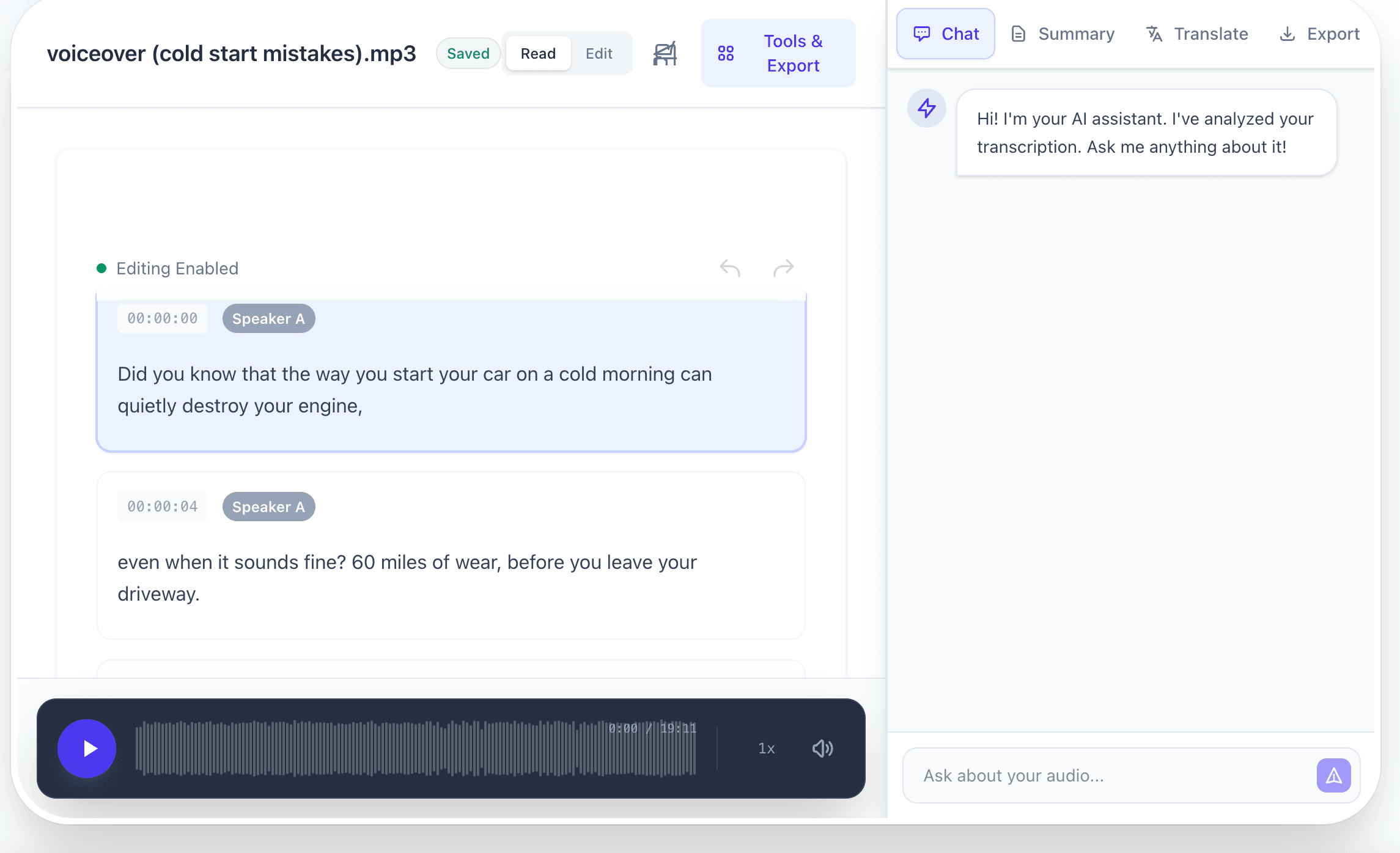
Ask questions about your transcription. 'What was the main topic?', 'List the action items', or 'Summarize the key points.'
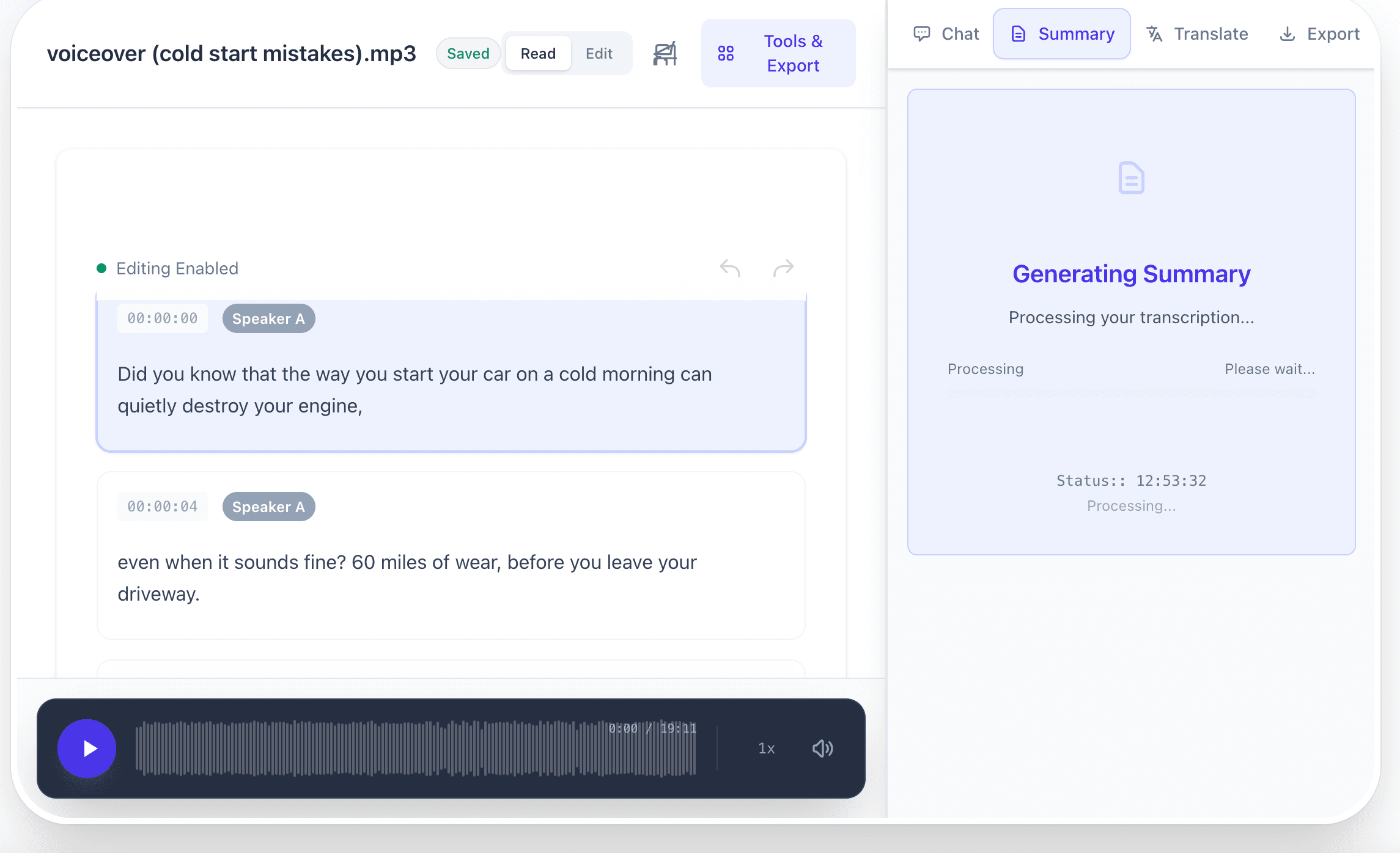
Don't have time to read the full transcript? Get a bulleted summary of the key points in seconds.
Security is a core design principle, not an afterthought. Your voice data is processed ephemerally, meaning audio is analyzed in real time and immediately discarded after transcription. No recordings are stored on our servers. No voice data is used to train models.
All data transfers use HTTPS with SSL/TLS encryption. Your audio travels encrypted from your browser to our processing servers and back. Nobody can intercept or read your voice data in transit.
We comply with GDPR privacy standards. You don't need to create an account, provide an email, or share any personal information. Open the page, speak or upload, get your text, and leave. Zero data footprint.
For sensitive content like medical dictation, legal notes, or confidential meetings, ephemeral processing means your words exist only as long as it takes to transcribe them. After the transcript appears, the audio is gone.
Fast, accurate, and completely free speech to text conversion
Convert MP3 audio files to accurate text transcripts instantly
Transcribe iPhone voice memos and M4A recordings
Generate subtitle files for your videos automatically
Convert MP4 videos to accurate text transcripts and subtitles